

AI Integration Quick Reference
AI Integration Quick Reference
- Jetpack Compose — native Material 3 composables for modern, Compose-first apps.
- Kotlin (XML Views) — drop-in Views for existing XML layout–based apps.
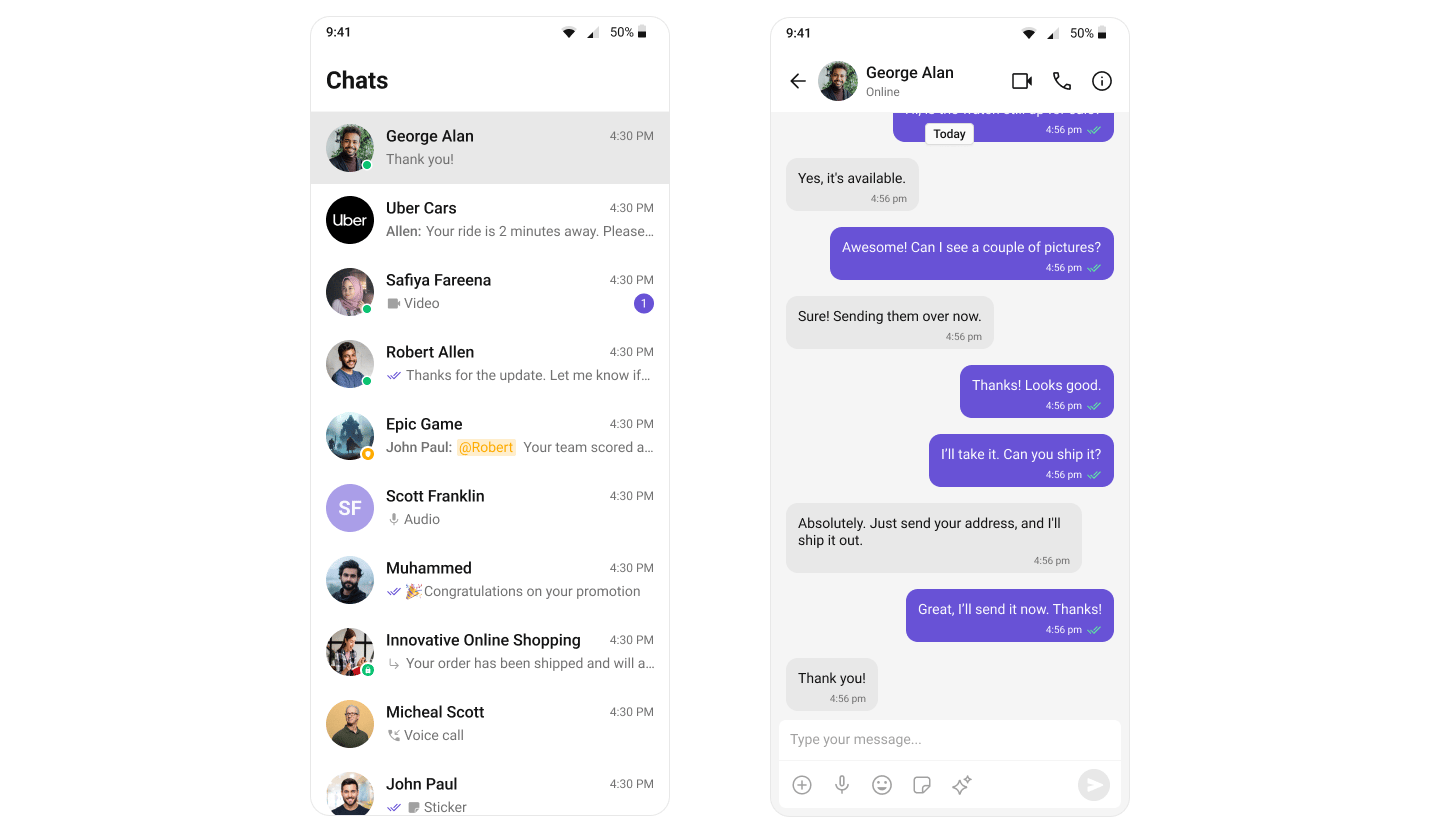
Get Started
Every integration starts the same way — install the SDK, initialize, and log in — then you build the UI with your chosen toolkit. Start with the prerequisites, then pick a path:Prerequisites & Setup
App credentials, Gradle install,
init(), and login() — shared by both toolkitsJetpack Compose
Build your chat UI with native Material 3 composables
Kotlin (XML Views)
Build your chat UI with drop-in XML Views
Try It
See the UI Kit in action before you write any code:Google Play Demo
Try the full chat experience on your device
Sample App
Clone, add your credentials, and start building
 Or scan the QR code to install directly:

Explore
Components
Browse all prebuilt UI components
Features
Chat, calling, AI, and extensions
Theming
Colors, fonts, dark mode, and custom styling
Guides
Threaded messages, new chat, search, and more
Key Concepts
Essential terminology and platform features
Architecture
How components, ViewModels, and data flow fit together
Resources
Sample App
Working reference app
Figma
Design resources and prototyping
Migration Guide
Upgrading from v5
Troubleshooting
Common issues and fixes
Support
Open a support ticket